This image is 3900 pixels Wide X 2600 pixels High. A 3:2 or 1.5 to 1 Apect Ratio. Its Weight is 2,894KB. NOTE how this image is way to large for the browser window.
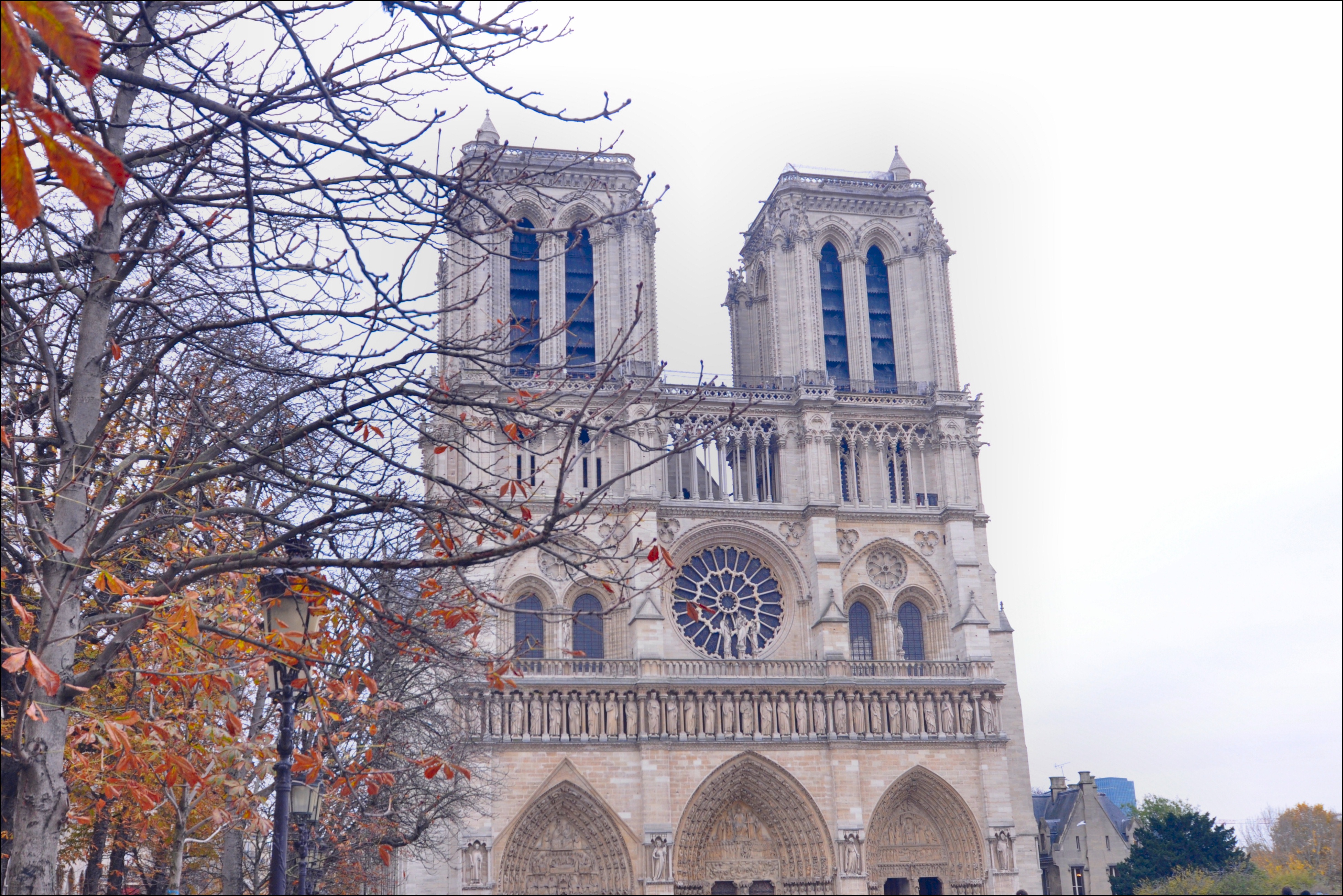
This images has been sized down for website display. 480 pixels Wide X 320 pixels High. Its Weight is down to only 86k. NOTE the image now fits into browser window.
Even though the image is small in Size & Weight it still has a 3:2 or 1.5 to 1 Aspect Ratio.

Now let's have a look at how an incorrect aspect ratio setting can distort an image's appearance.
I have taken the same image above with a 3:2 aspect ratio and put it into a slot designed for a wider image taken by a cell phone 18:9.
How about an extram example, putting an image with a "landscape" 3:2 aspect ratio into a slot designed for a "portrait" image 2:3.
IMPORTANT NOTE: When designing the layout of a web page you can utilize images & graphics with any aspect ratio you wish.
Just remember the image's dimensions as stated within the image reference tag (img src="images/myphoto.jpg width="480" height="320")
must be the same aspect ratio of the actual image or graphic you plan to use.